


Tip Using Adobe AI Background Remover For Thumbnails

    • Official Post

    Ive been using Adobe Express for a while now at work and I find it so useful for thumbnail creation. You can take a thumbnail of yourself even with a black background and the Ai background remover does so well at removing you from it. I have tried many styles of photos and it almost always works well. Ill share some examples in this thread. To be honest this is the only tool I pay for Adobe Express for. I don’t use the rest. I know so many struggle using Photoshop with the pen tool and this makes life so much easier, it is a shame it isnt fully free and only allows a few goes before locking you out. It is worth it if using daily though.
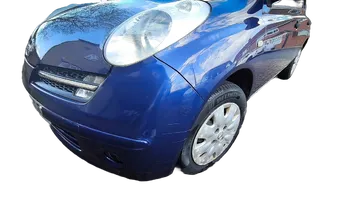
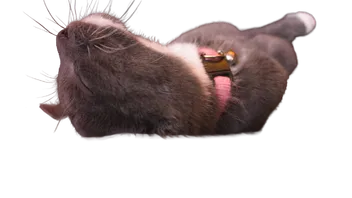
    if you havent used it before - https://www.adobe.com/express/featur…move-background
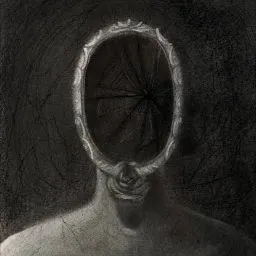
  • Ive tried using this with mixed results. I noticed when logged out of Adobe that the results sometimes are not as good as when youre logged in. Its a useful tool and easier than cutting out

    Honestly it is the best one I have tried out of all the free and paid options. A lot of the free ones will give you a low resolution file to work with and often have so much feathering around the edges it is unusable. I wonder if they use a different version of AI or something when youre not logged in and using the free tool. I still sometimes have to use Photoshop but a lot less often. I tend to mainly pay for this when I know I am going to need to do product images for my business. They need cutting out from a white background and this speeds the process up massively.

Participate now!

Don’t have an account yet? Sign up now to post your own questions and be a part of our creator community!